Visual Canvas
Build complex workflows without writing code.
Drag workflow blocks onto a shared canvas. Connect triggers, LLM steps, human approval nodes, and conditions into processes your team can actually read and maintain.
Design the workflow first. Connect the tools second.
Start by mapping the process you already run — the approvals, the hand-offs, the decision points. The canvas shows the full workflow in one view, so everyone on the team can see how it runs.
Add triggers (Salesforce events, webhooks, schedules), connect LLM analysis steps, insert human approval nodes, and wire in integrations — all by dragging and connecting.
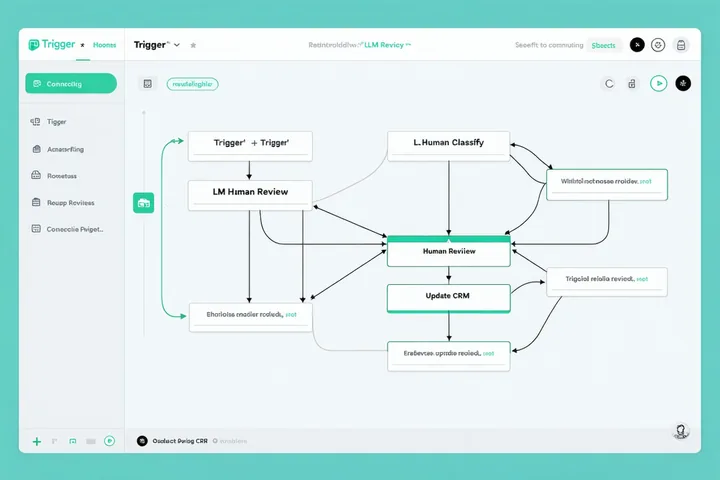
Canvas building blocks
Every element you need to model a real operational process.
Event-based starts
Salesforce record changes, Jira issue updates, webhooks, scheduled runs, or manual triggers from the dashboard.
Conditional branches
Route the workflow down different paths based on field values, LLM outputs, or previous step results. No code, just logic.
Time-based escalation
Set SLA timers on any step. If a human doesn't respond within the window, the workflow automatically escalates or reroutes.
Build your first workflow in minutes.
Start with a template or from scratch. No engineering involvement needed.